Why an IMEI check matters
A used phone can look clean from the outside but still have hidden problems. It may be blocked by a network, locked to a carrier, linked to an iCloud account, managed by MDM or listed with the wrong model and storage.
An IMEI check helps you review those details before you pay. It gives buyers, resellers and repair shops a clearer picture of the device behind the listing.
Start with the basic device details
First, confirm that the model, color and storage match the seller’s description. If the listing says iPhone 15 Pro 256GB but the report shows a different model or capacity, pause before buying.
This is especially useful for marketplace purchases, trade-ins and reseller inventory checks where small listing mistakes can become expensive later.
Check blacklist status before payment
Blacklist status is one of the most important checks for used phones. A device may be reported lost, stolen, blocked or restricted by a supported carrier or database.
A clean result can reduce risk, while a reported or blocked result is a warning sign. Status can change over time, so it is best to check close to the purchase date.
Review carrier and SIM-lock information
Carrier and SIM-lock details help you understand whether the phone may work with your preferred network. A locked phone can limit use until it becomes eligible for an unlock service.
For iPhone buyers, carrier, FMI and blacklist checks can be useful together because they answer different questions about network use, Find My status and device risk.
For Apple devices, check iCloud, MDM and GSX details
Apple devices may need extra checks because activation lock, Find My, MDM management, warranty data, sold-by information and repair history can affect value and usability.
If you are buying from an unknown seller, Apple Sold By & Country Info, GSX Premium Details, iCloud On/Off, MDM Status and Clean/Lost checks can help you choose the right next step.
Used phone IMEI checklist
Before you complete the purchase, review these points: device model, storage, blacklist result, carrier status, SIM-lock condition, iCloud or activation status, MDM status and any available repair or warranty information.
If any result does not match the seller’s claim, ask questions before paying. A reliable seller should be willing to explain the difference or let you verify the phone again.
How IMEI Sol helps
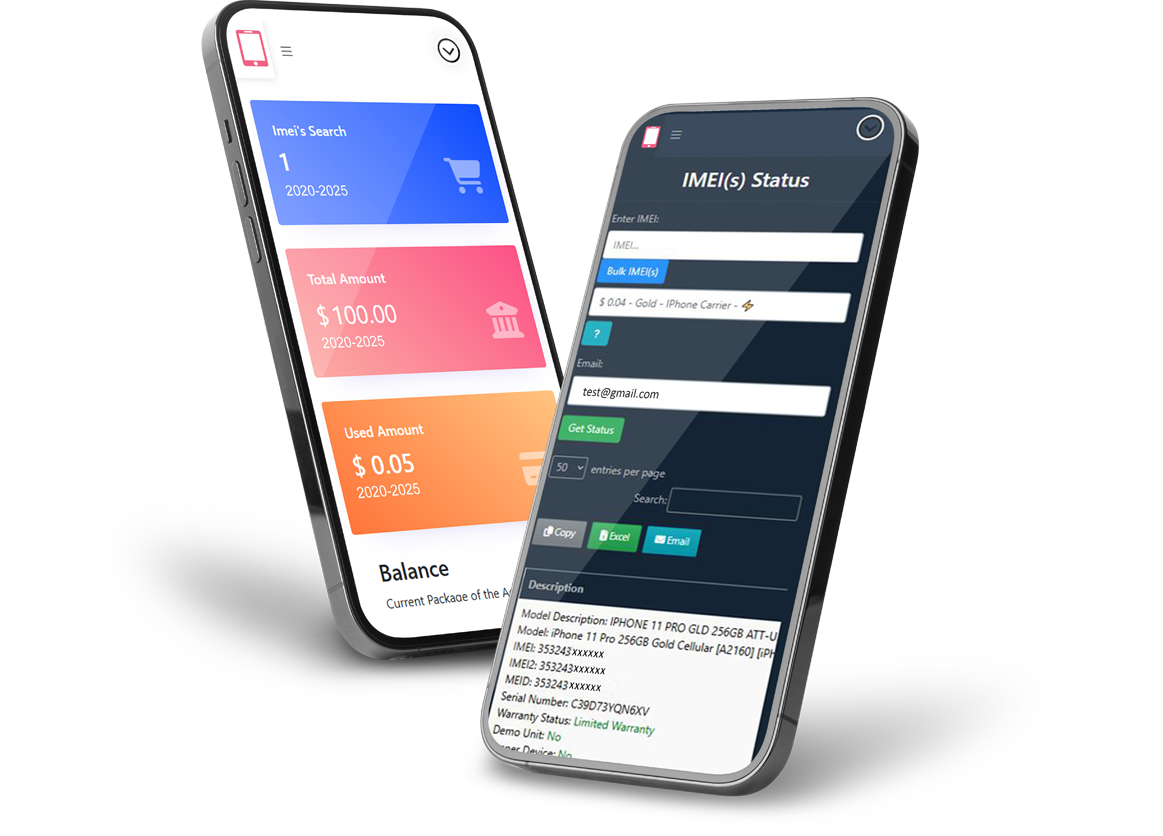
IMEI Sol organizes checks by service type, including Apple services, status services, generic device information, premium services and unlock services. You can choose a focused report instead of ordering a broad check that does not answer your question.
Start from the IMEI Check Services page, compare pricing on the Pricing page, or contact support if you are not sure which service fits your device.
FAQ
Can an IMEI check guarantee a phone is safe? No. It helps reduce risk by showing available device information, but no report can guarantee future status changes or seller behavior.
Which check should I run first? Start with model details and blacklist status. For iPhones, also consider carrier, FMI, iCloud and MDM checks.
Should resellers check every device? Yes, regular checks can help resellers reduce disputes, avoid restricted devices and describe inventory more accurately.